Mastering Text Tails and Swooshes: A Guide to Dynamic Typography Design
In the vast landscape of graphic design, typography is often the unsung hero. While images capture attention, it is the arrangement of letters that conveys tone, personality, and clarity. Among the most versatile tools in a designer’s arsenal are text tails, highlight underlines, and curly swooshes. These decorative elements transform standard lettering into dynamic visual statements, bridging the gap between functional text and artistic expression. Whether you are designing a vintage baseball logo, crafting a elegant wedding invitation, or creating a modern social media graphic, understanding how to utilize these vector elements can elevate your work from amateur to professional.
The Anatomy of Typographic Flourishes
To truly appreciate the utility of text tails and swooshes, one must first understand what they are. In typographic terms, a "tail" refers to the extending stroke of a letterform, such as the descending loop of a 'g' or 'y'. However, in the context of decorative design assets, text tails and swooshes are independent graphical elements designed to complement, underline, or frame text. They mimic the natural flow of calligraphy, adding movement and energy to static words.
These elements come in various forms:
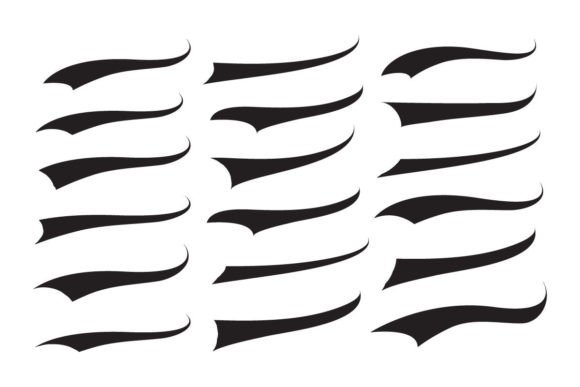
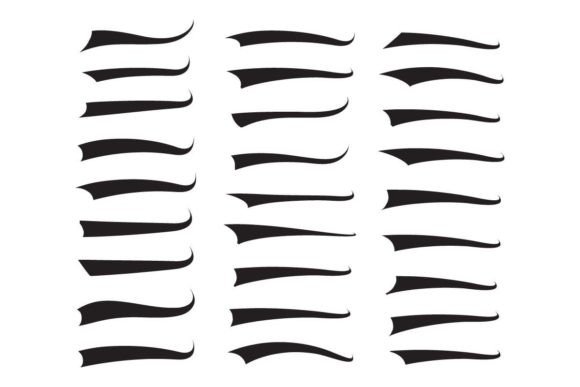
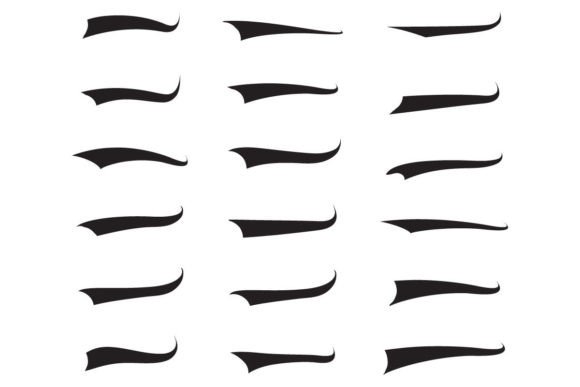
- Highlight Underlines: Thick, brush-like strokes that mimic the look of a marker or highlighter, often used for emphasis in modern, casual designs.
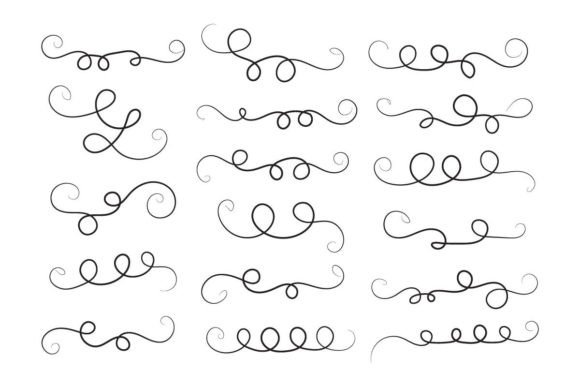
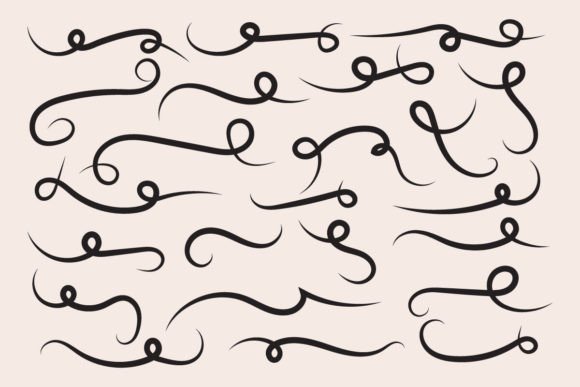
- Curly Swooshes: Elegant, spiraling lines that add a touch of sophistication and traditional flair, commonly seen in formal invitations.
- Wavy Decorative Swirls: Fluid, organic lines that suggest motion and creativity, perfect for branding in lifestyle or wellness industries.
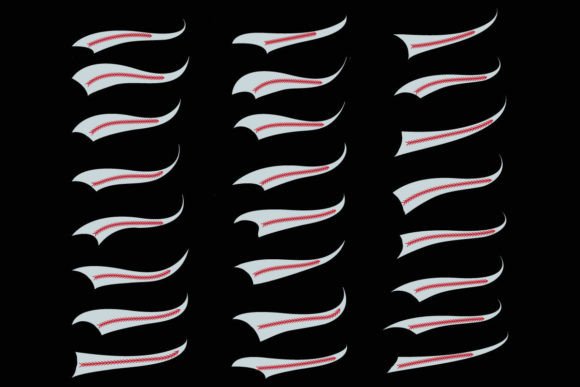
- Baseball Sign Tails: Specific, robust curves often associated with sports logos, particularly baseball, where dynamic motion is key to the brand identity.
By integrating these elements, designers can guide the viewer’s eye, create balance within a composition, and inject personality into their projects without altering the core font itself.
Why Vector Formats Matter for Design Flexibility
When sourcing design assets like text tails and underline vectors, the file format is just as critical as the aesthetic quality. The most professional and versatile files are provided in vector formats, specifically EPS and SVG. Unlike raster images (such as JPG or PNG), which are made of pixels and can become blurry when enlarged, vector files are based on mathematical paths. This means they can be scaled infinitely without any loss of quality.
Consider a scenario where you design a t-shirt logo using a curly swoosh. If you use a low-resolution PNG, the edges may appear jagged when printed on fabric. However, with an EPS or SVG file, the curve remains crisp and smooth, whether it is printed on a small business card or a large billboard. Furthermore, vector files allow for easy editing. You can change the color of a swoosh to match your brand palette, adjust the thickness of the line, or reshape the tail to fit perfectly under a specific word. This level of control is essential for maintaining consistency across different media.
Practical Applications in Modern Design
The versatility of text tails and swooshes makes them relevant across a wide spectrum of design projects. Here is how these elements fit into various creative contexts:
- Vintage and Retro Branding: The resurgence of retro aesthetics has brought calligraphy swishes and wavy decorative swirls back into the spotlight. Brands aiming for a nostalgic feel often use these elements to evoke the craftsmanship of the past. For instance, a craft beer label might feature a bold serif font underlined by a thick, textured swoosh to suggest heritage and quality.
- Sports and Athletic Logos: In the world of sports, particularly baseball, dynamic motion is crucial. The "baseball sign" style tail—a sharp, aggressive curve—adds energy to team logos and merchandise. It suggests speed and action, making it a popular choice for jerseys, caps, and promotional materials.
- Digital Content and Social Media: In the fast-paced environment of social media, grabbing attention quickly is vital. Highlight underlines are incredibly effective here. They mimic the informal, personal touch of handwriting, making digital content feel more authentic and engaging. Influencers and marketers use these elements to emphasize key phrases in Instagram stories or YouTube thumbnails.
- Wedding and Event Stationery: For formal events, elegance is paramount. Delicate, thin curly swooshes can frame names or dates, adding a layer of sophistication without overwhelming the design. These elements help create a cohesive look across invitations, save-the-dates, and menu cards.
Common Misunderstandings About Decorative Typography
Despite their popularity, there are several misconceptions about using text tails and swooshes. One common assumption is that these elements are only suitable for ornate, complex designs. In reality, minimalism benefits greatly from well-placed flourishes. A single, subtle underline can provide enough visual interest to break up white space without cluttering the layout.
Another misunderstanding is that these assets are difficult to integrate. Many beginners worry that adding a swoosh will clash with their chosen font. However, because these files are editable vectors, designers can tweak the color, opacity, and shape to ensure harmony. The key is to treat the swoosh not as an afterthought, but as an integral part of the typographic composition. It should flow naturally from the letters, appearing as if it were drawn in the same breath.
How to Choose the Right File for Your Project
When downloading design assets, you will often see a package that includes multiple file types. Understanding which one to use can save time and improve your workflow. A typical high-quality pack will include:
- EPS File: Ideal for professional print work and Adobe Illustrator users. It offers the highest level of editability.
- SVG File: Perfect for web design and digital applications. SVGs are lightweight and scale beautifully on screens of all sizes.
- JPG File: Useful for quick previews or simple documents where editing is not required. However, it lacks transparency and scalability.
- High-Resolution PNG: Great for digital mockups and presentations where a transparent background is needed. Ensure the resolution is high (300 DPI) if you plan to print it.
For most professional designers, starting with the EPS or SVG file is the best practice. This allows you to customize the element fully before exporting it to the final format needed for your specific medium.
Enhancing Creativity with Editable Elements
The true power of text tails and highlight vectors lies in their editability. Because they are vector-based, you are not limited to the default black color. You can experiment with gradients, textures, and overlapping effects. For example, you might layer a semi-transparent highlight underline behind a bold headline to create depth. Or, you could extend the tail of a letter to wrap around an image, creating a cohesive link between text and visuals.
Moreover, these elements encourage experimentation. By mixing different styles—such as pairing a rugged, textured baseball tail with a clean, modern sans-serif font—you can create unique contrasts that define your brand’s voice. The ability to easily change colors and shapes means you can test multiple variations quickly, ensuring that the final design is both aesthetically pleasing and functionally effective.
Conclusion
Text tails, highlight underlines, and curly swooshes are more than just decorative extras; they are powerful tools for communication and branding. By understanding their purpose and leveraging the flexibility of vector formats like EPS and SVG, designers can create compelling visuals that resonate with audiences. Whether you are aiming for a vintage look, a sporty vibe, or a modern minimalist aesthetic, these elements provide the finishing touch that brings typography to life. As you continue to explore graphic design, remember that the right flourish can turn a simple word into a memorable statement. Embrace the creativity these assets offer, and let your designs flow with confidence and style.